Post-Processing FX
Assets | Unknown license!
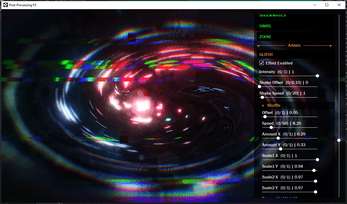
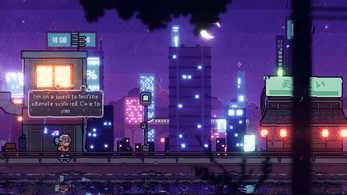
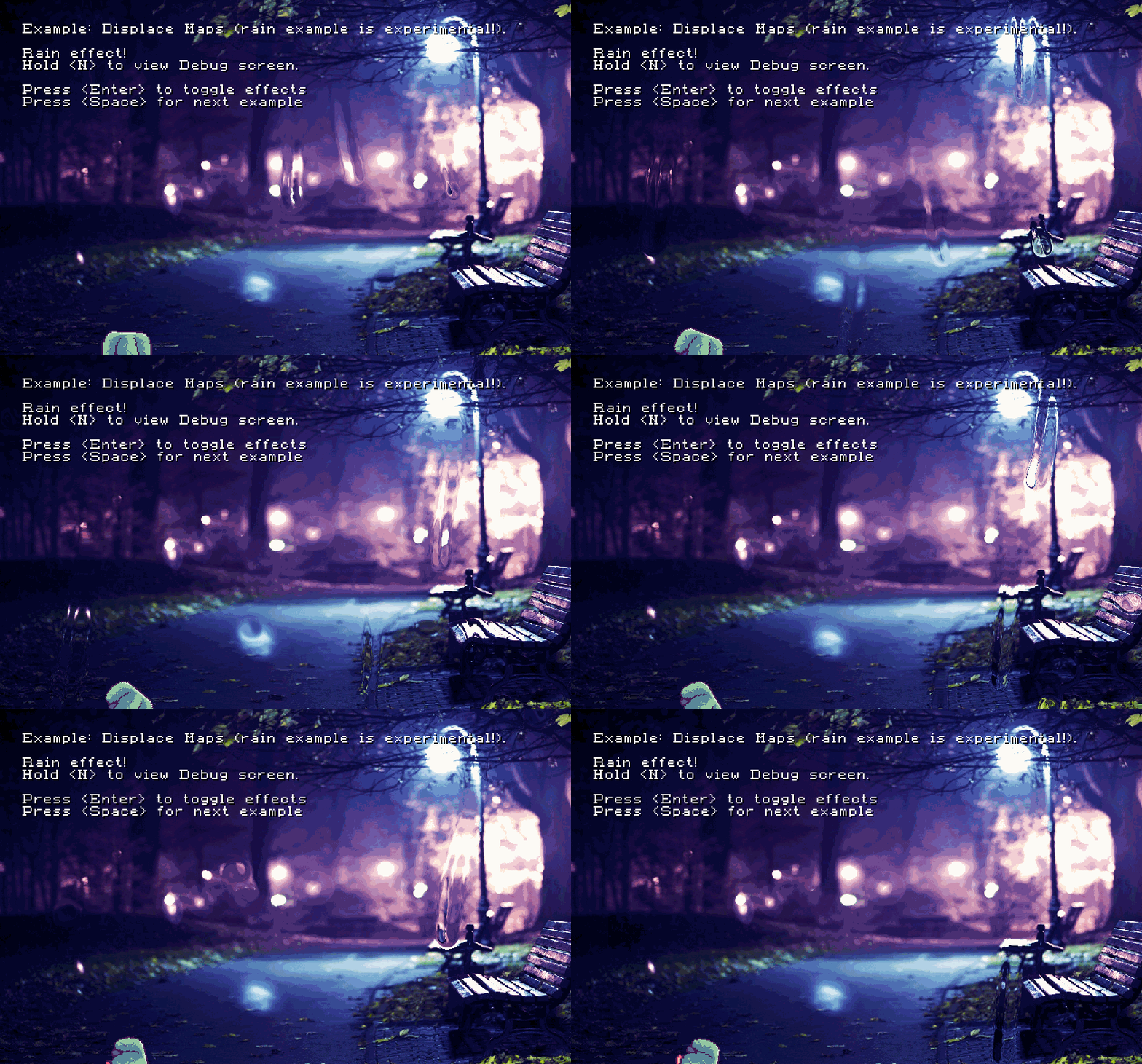
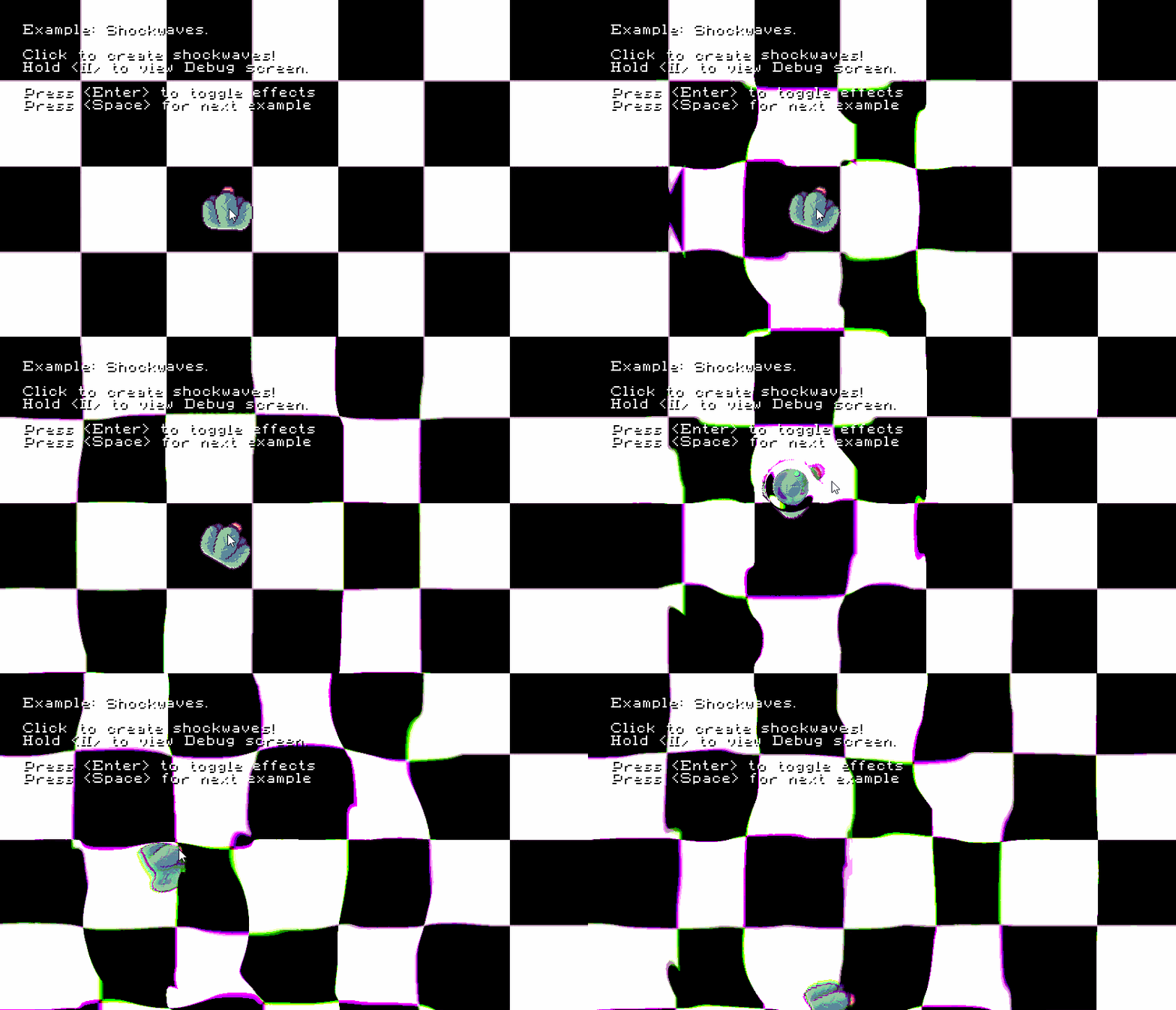
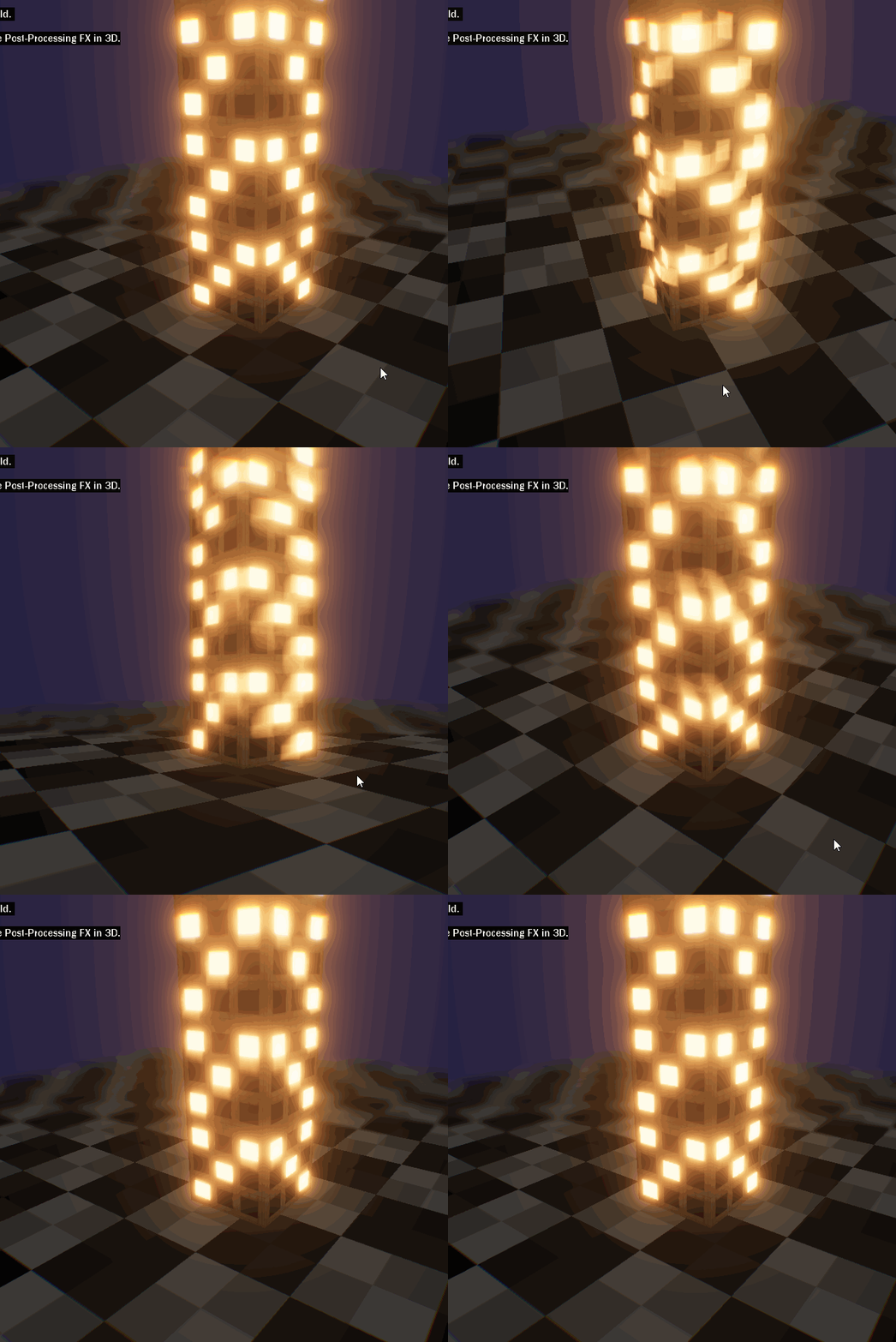
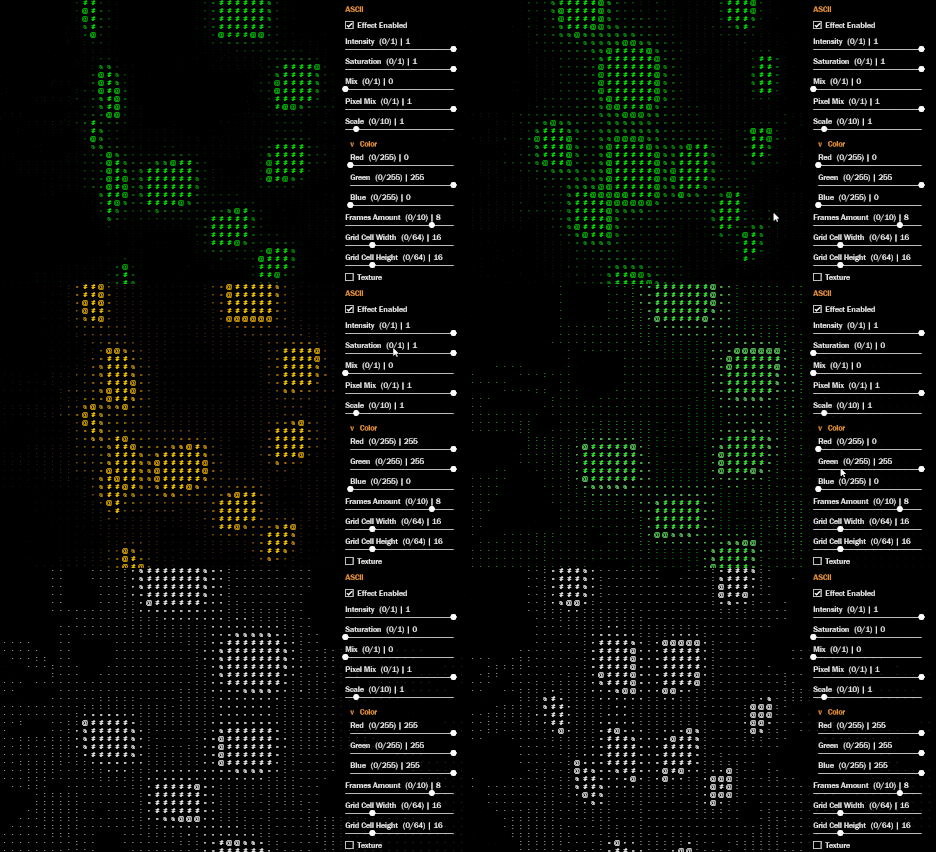
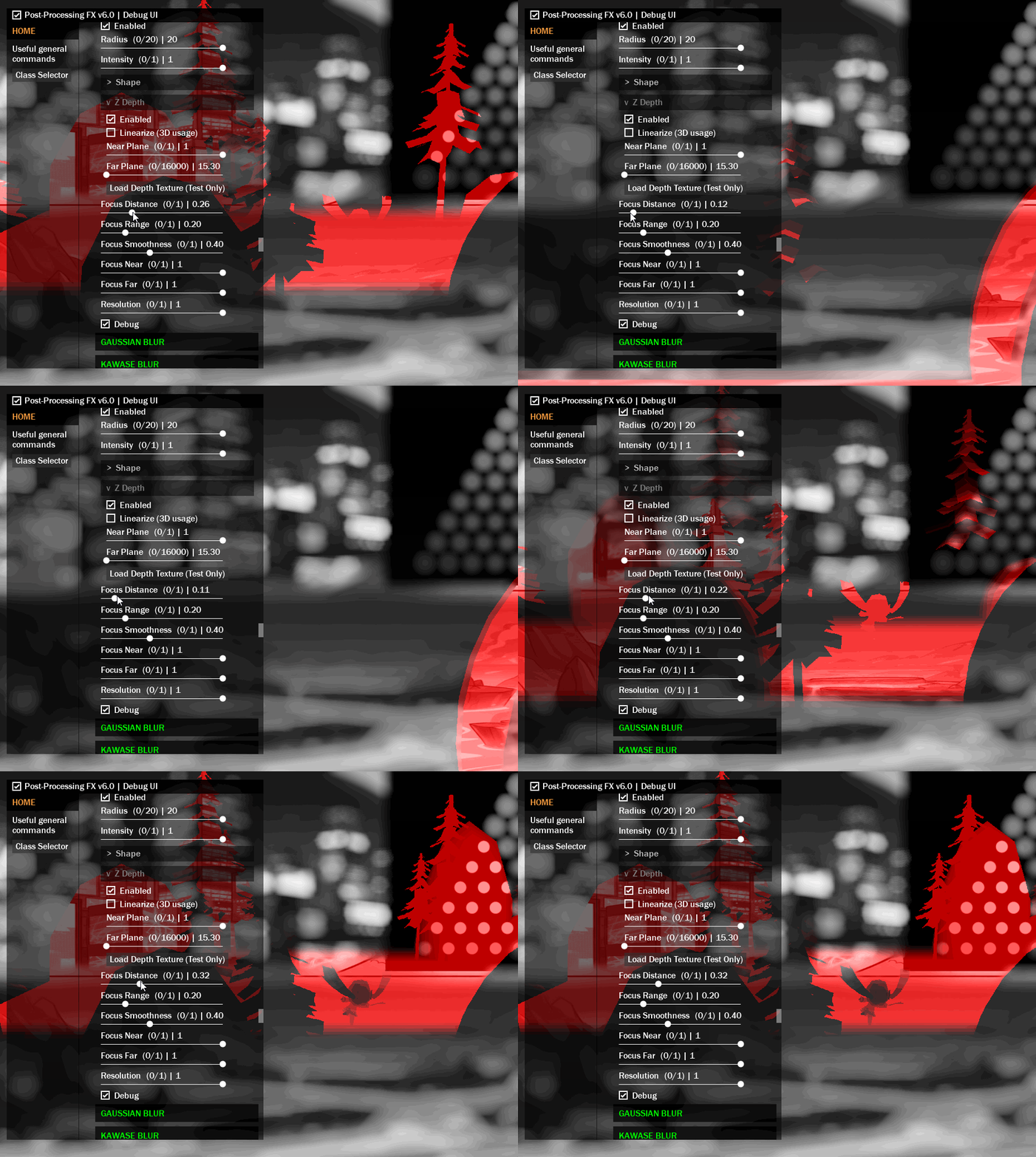
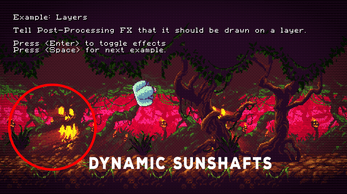
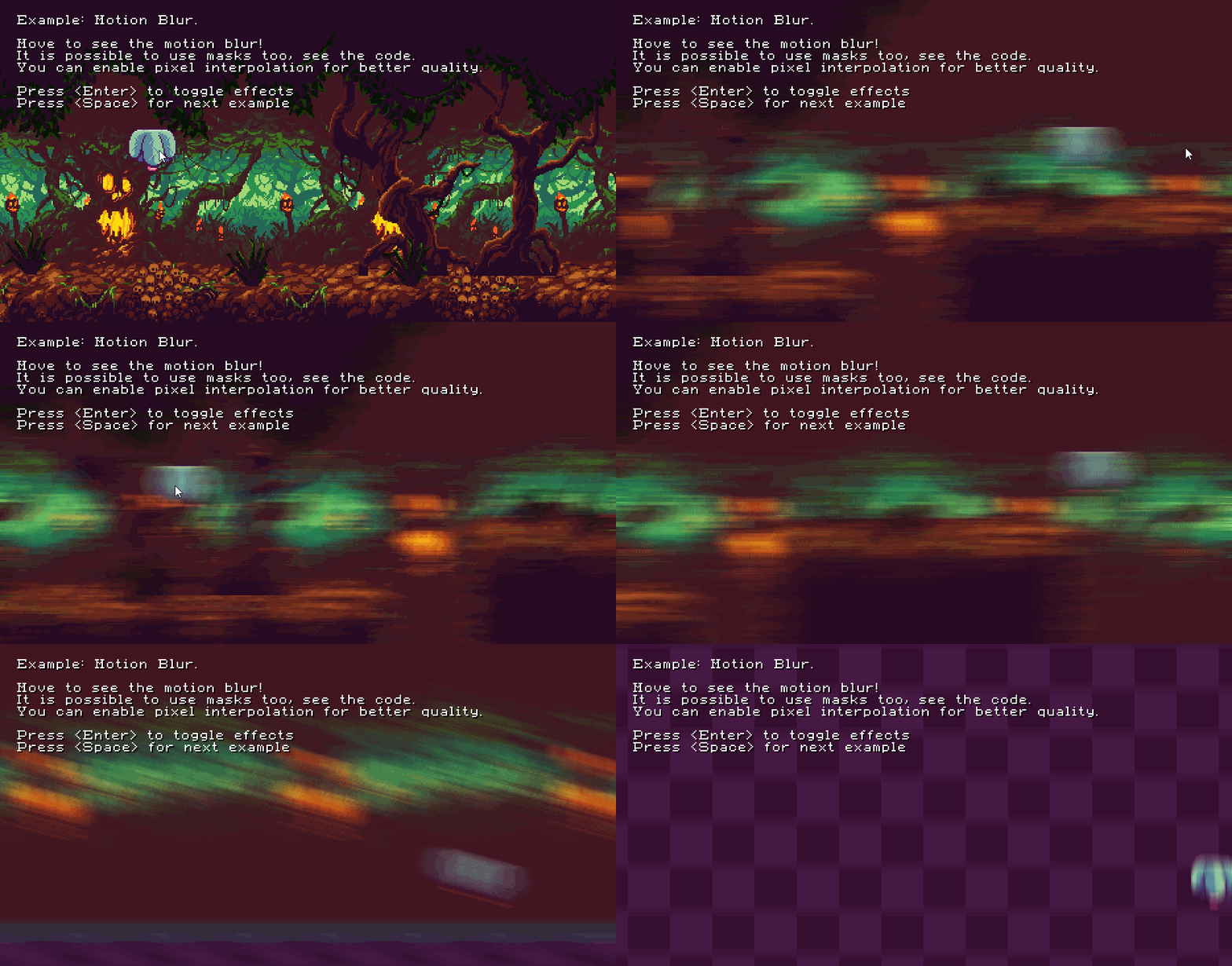
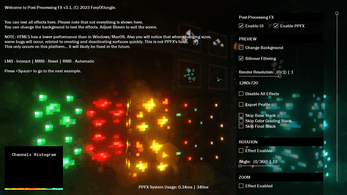
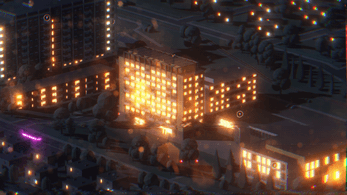
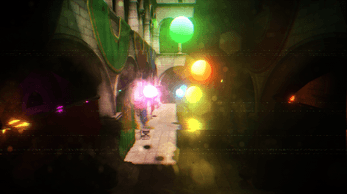
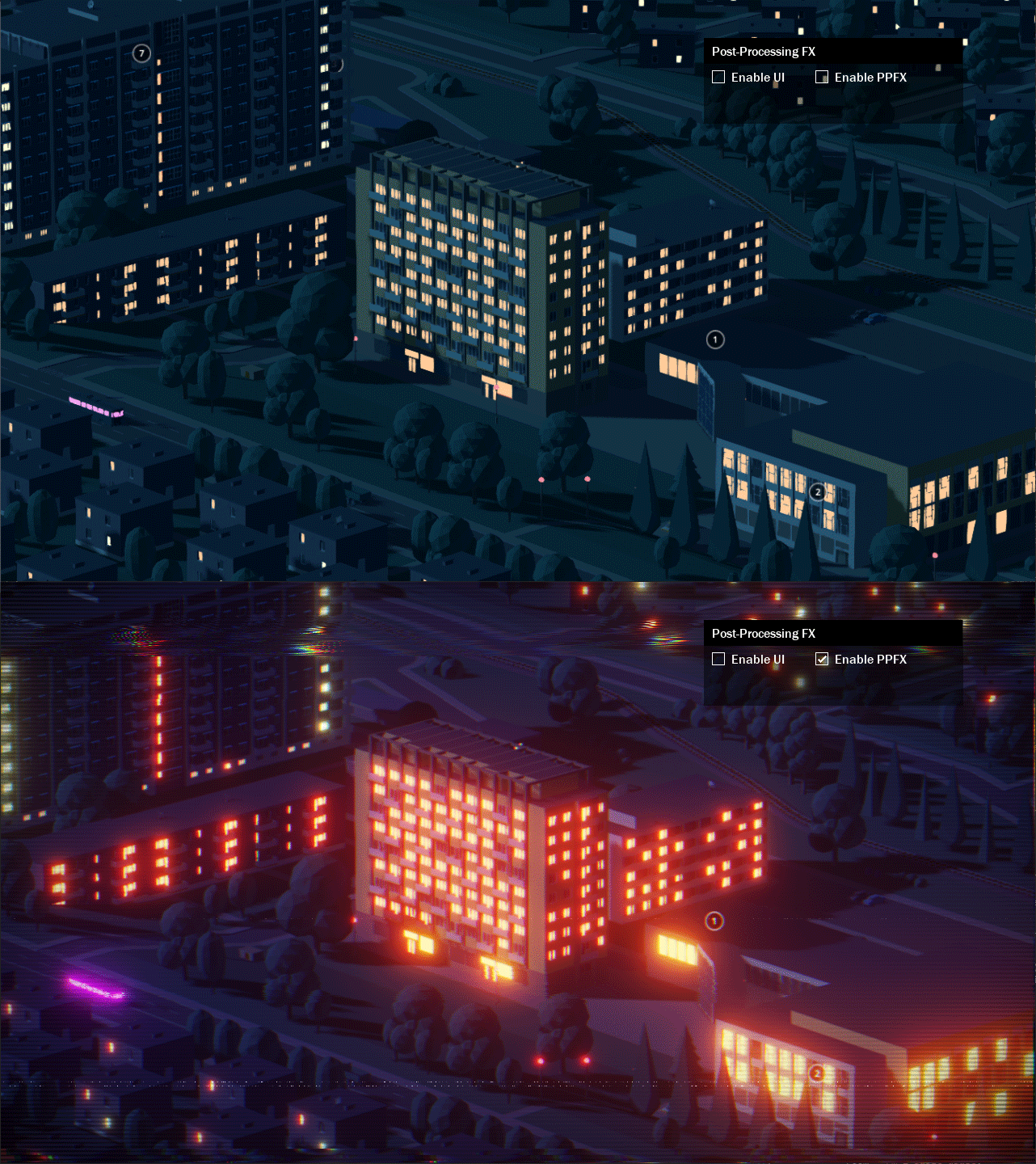
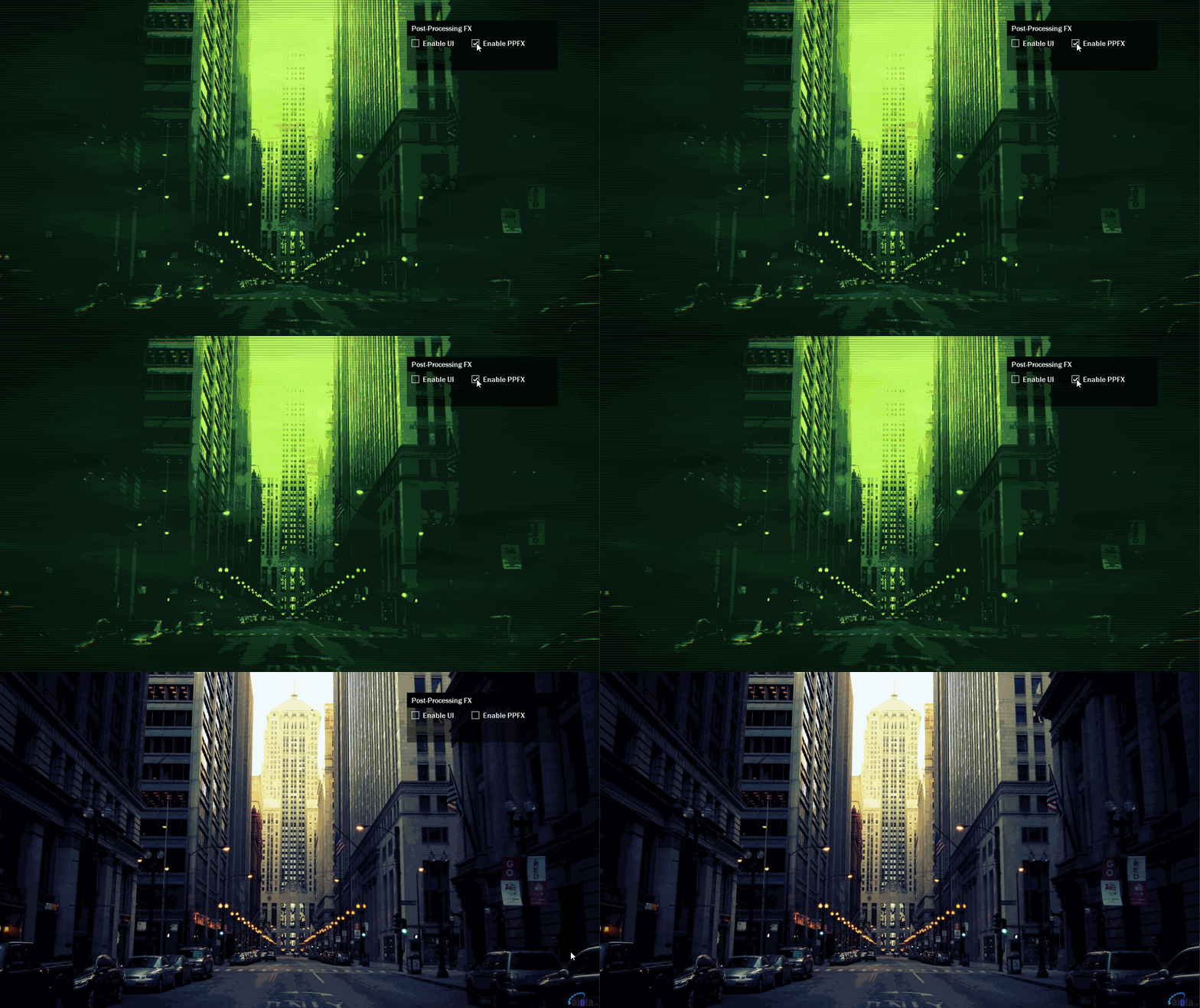
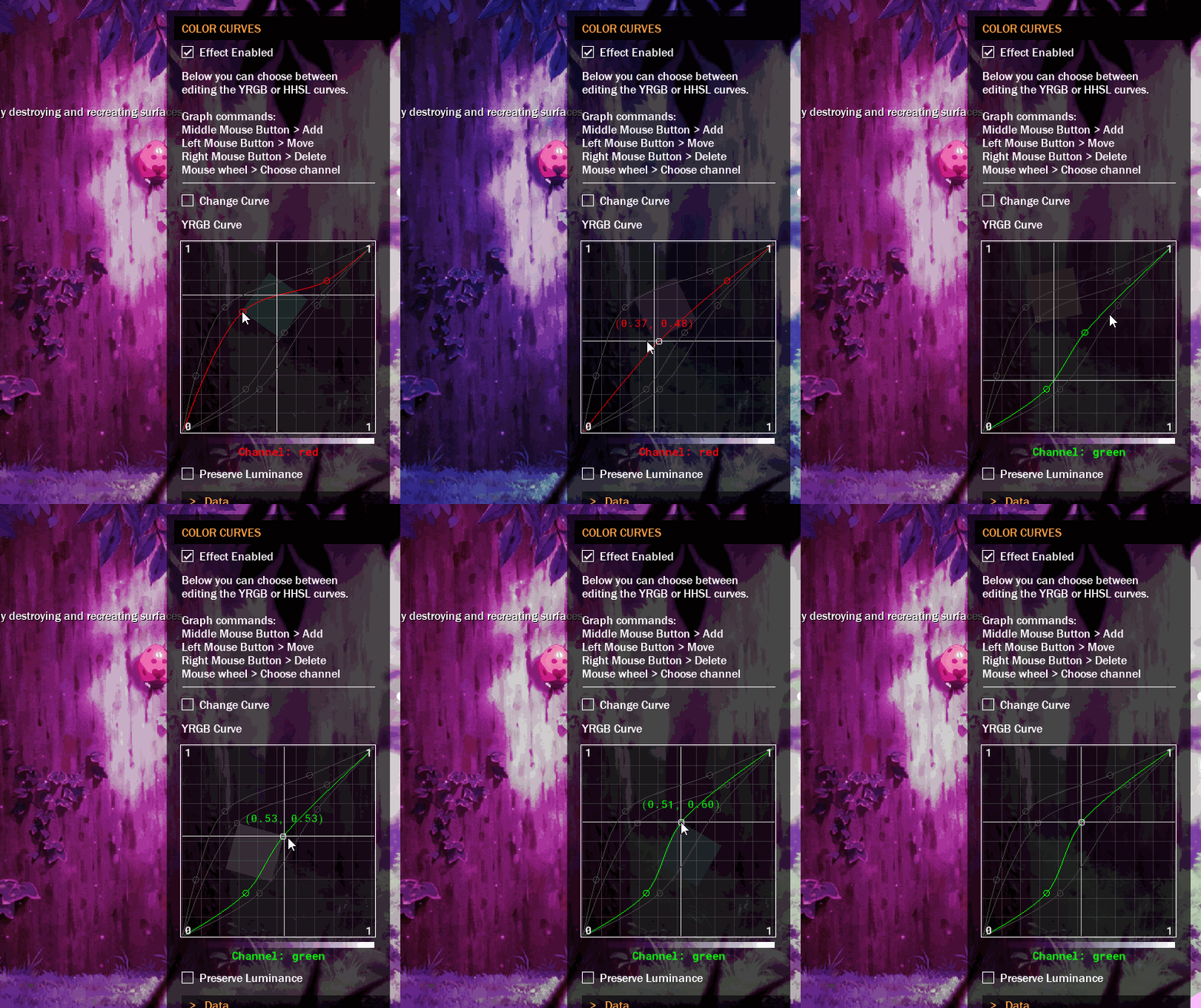
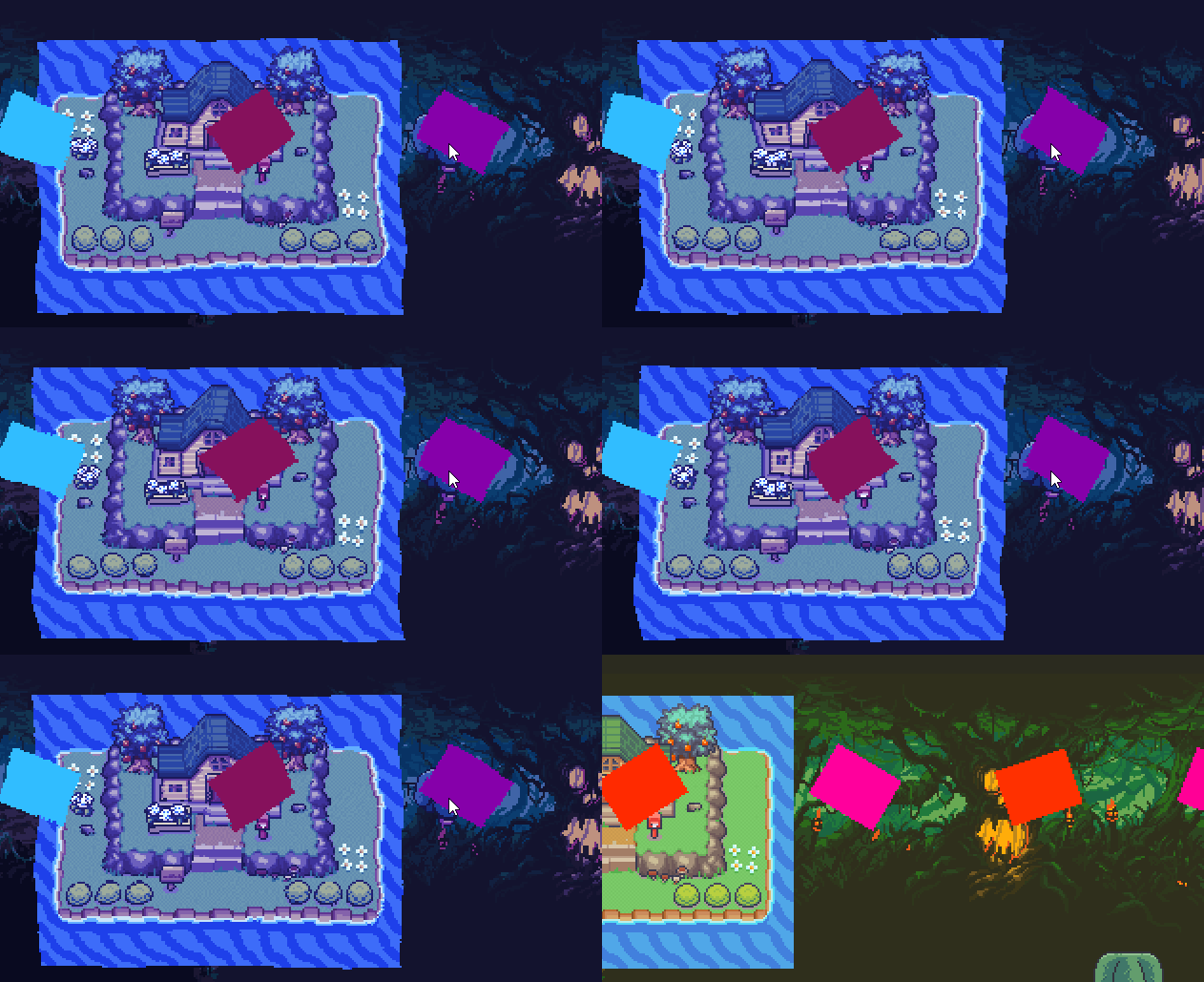
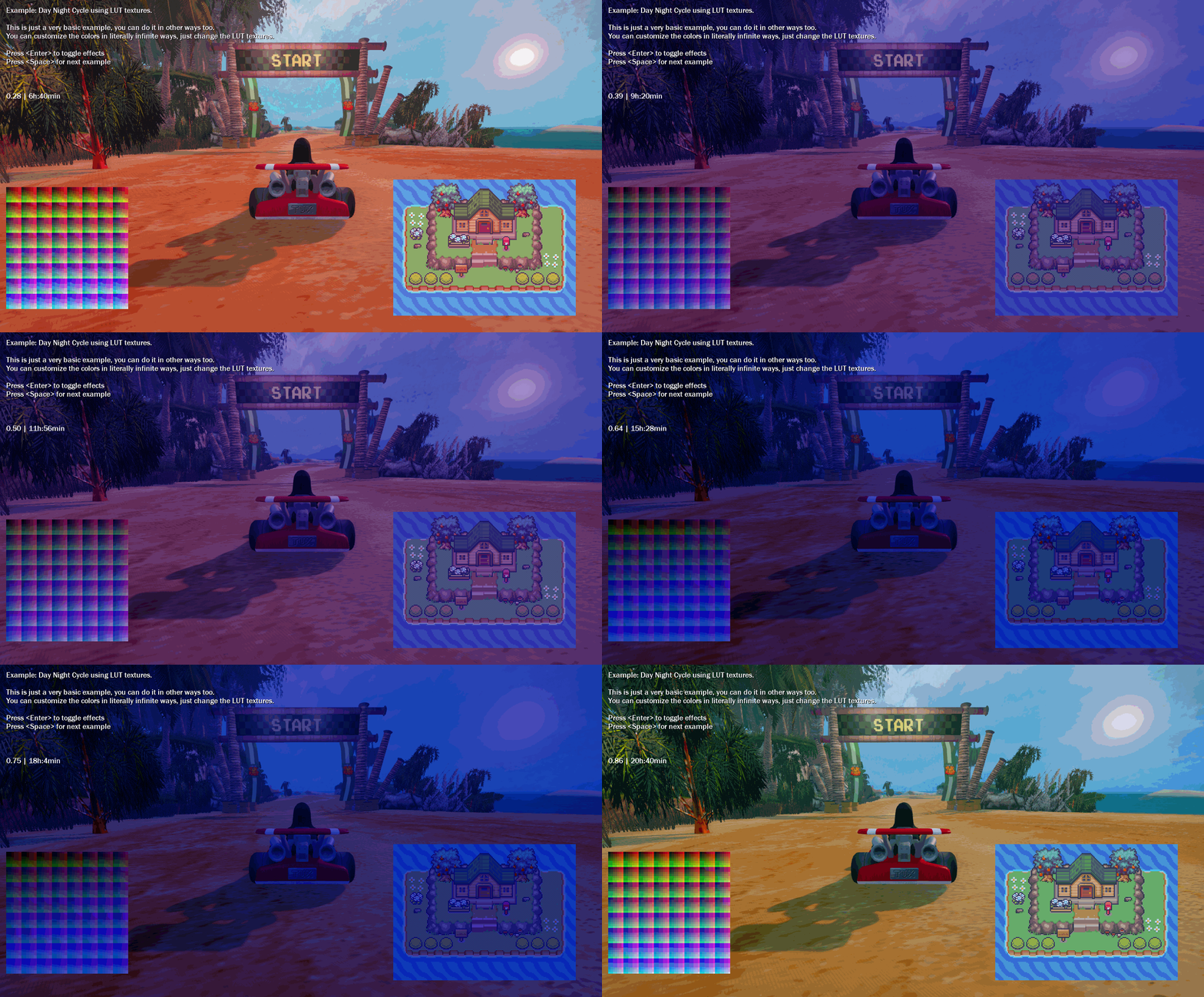
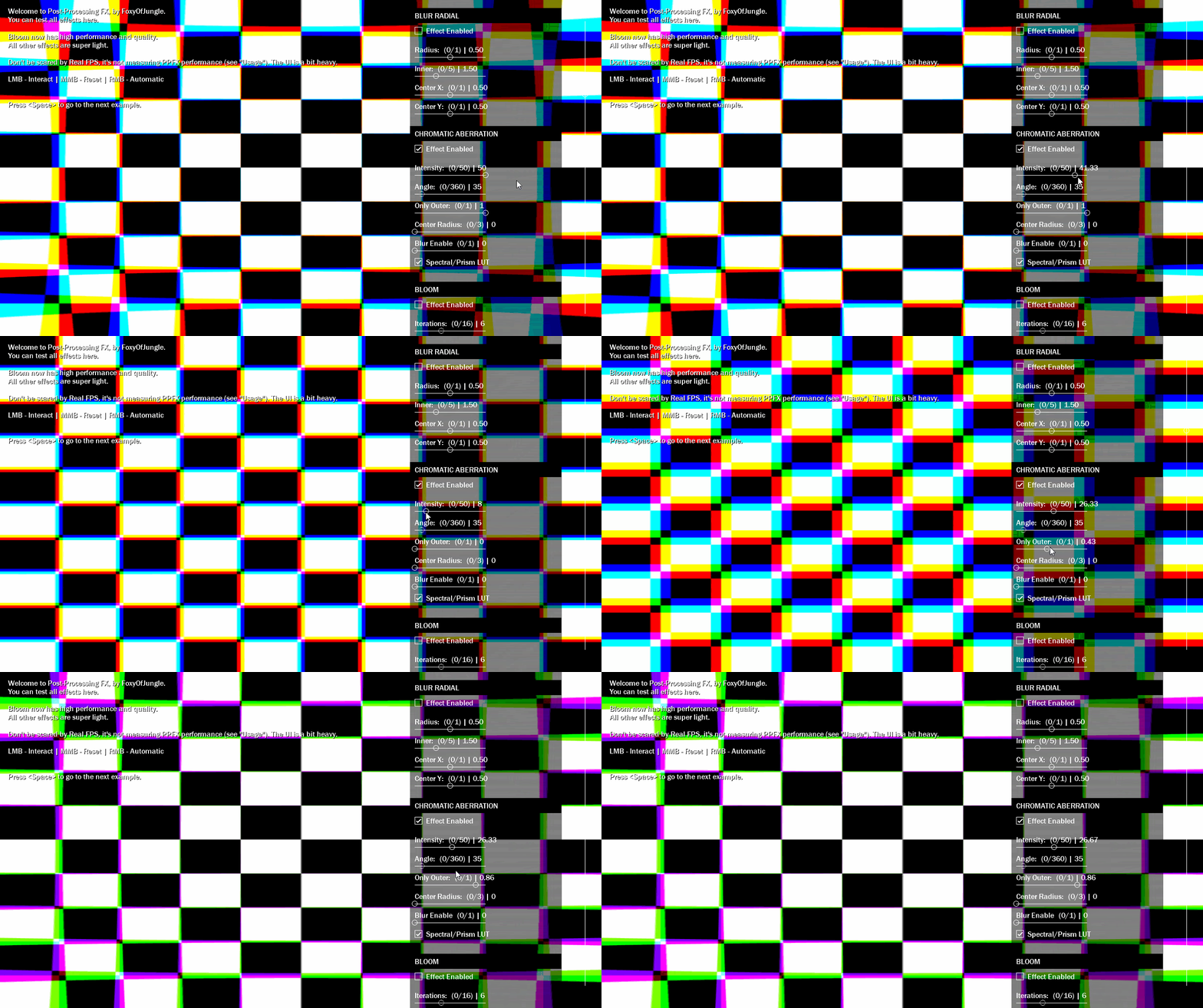
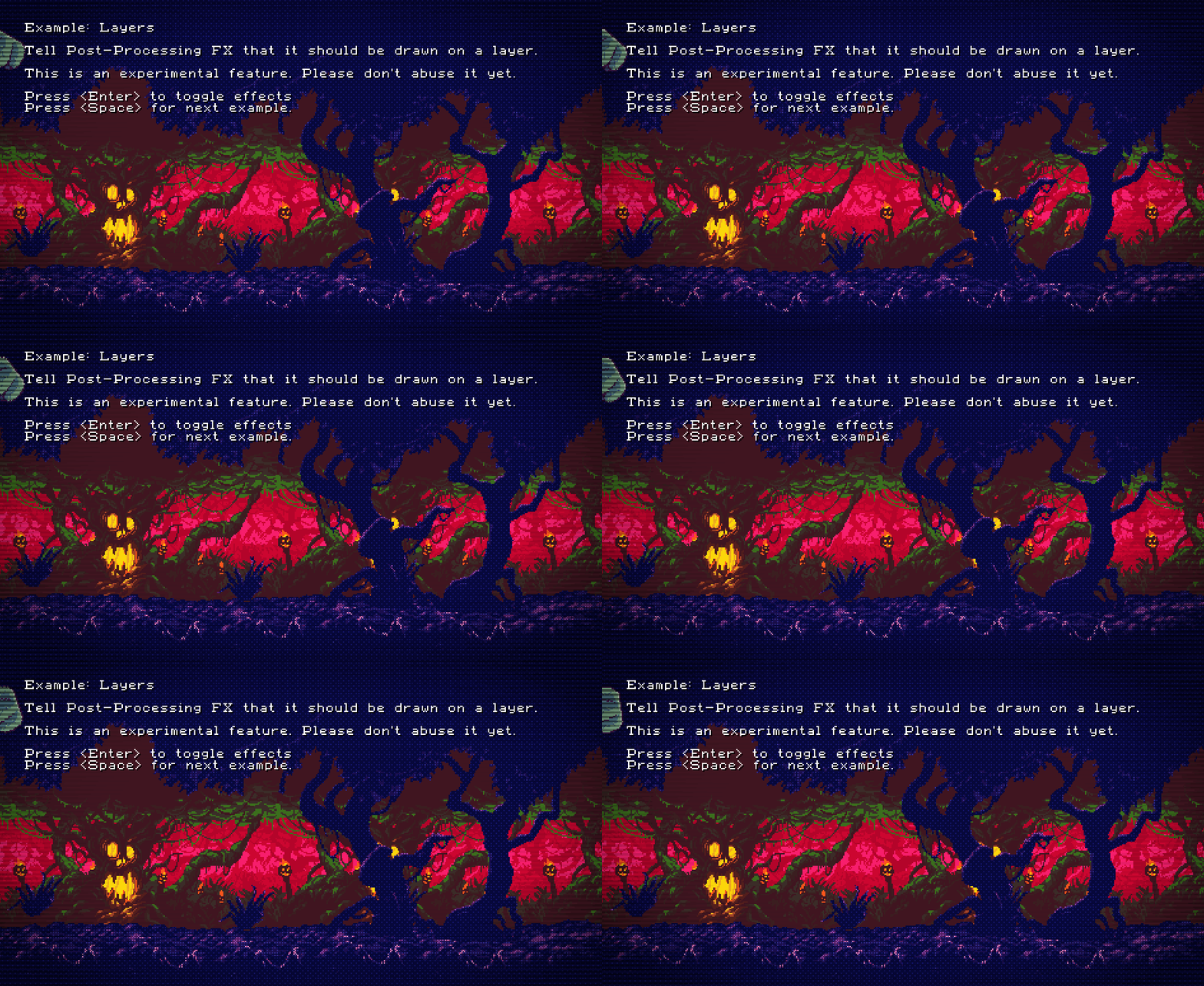
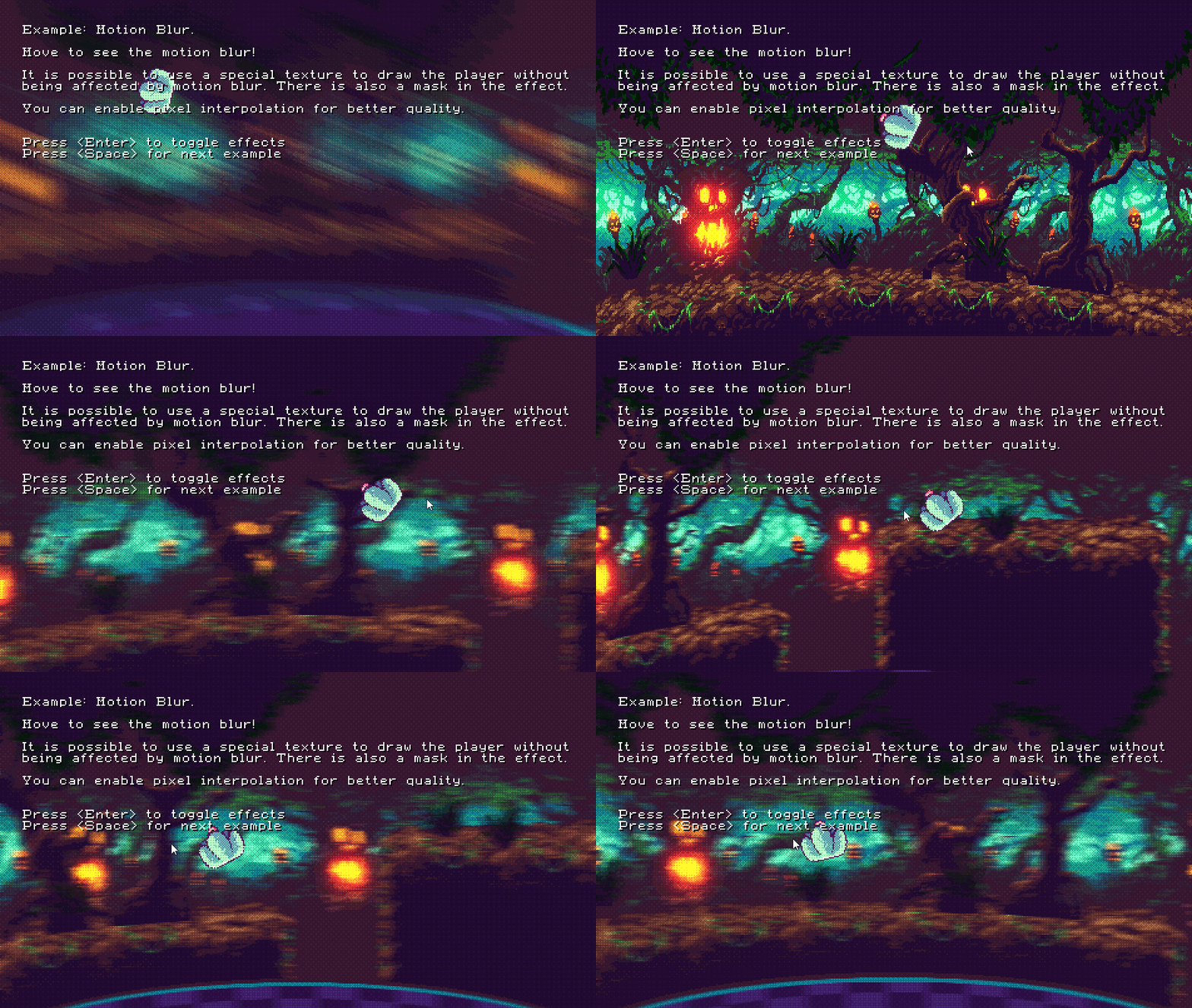
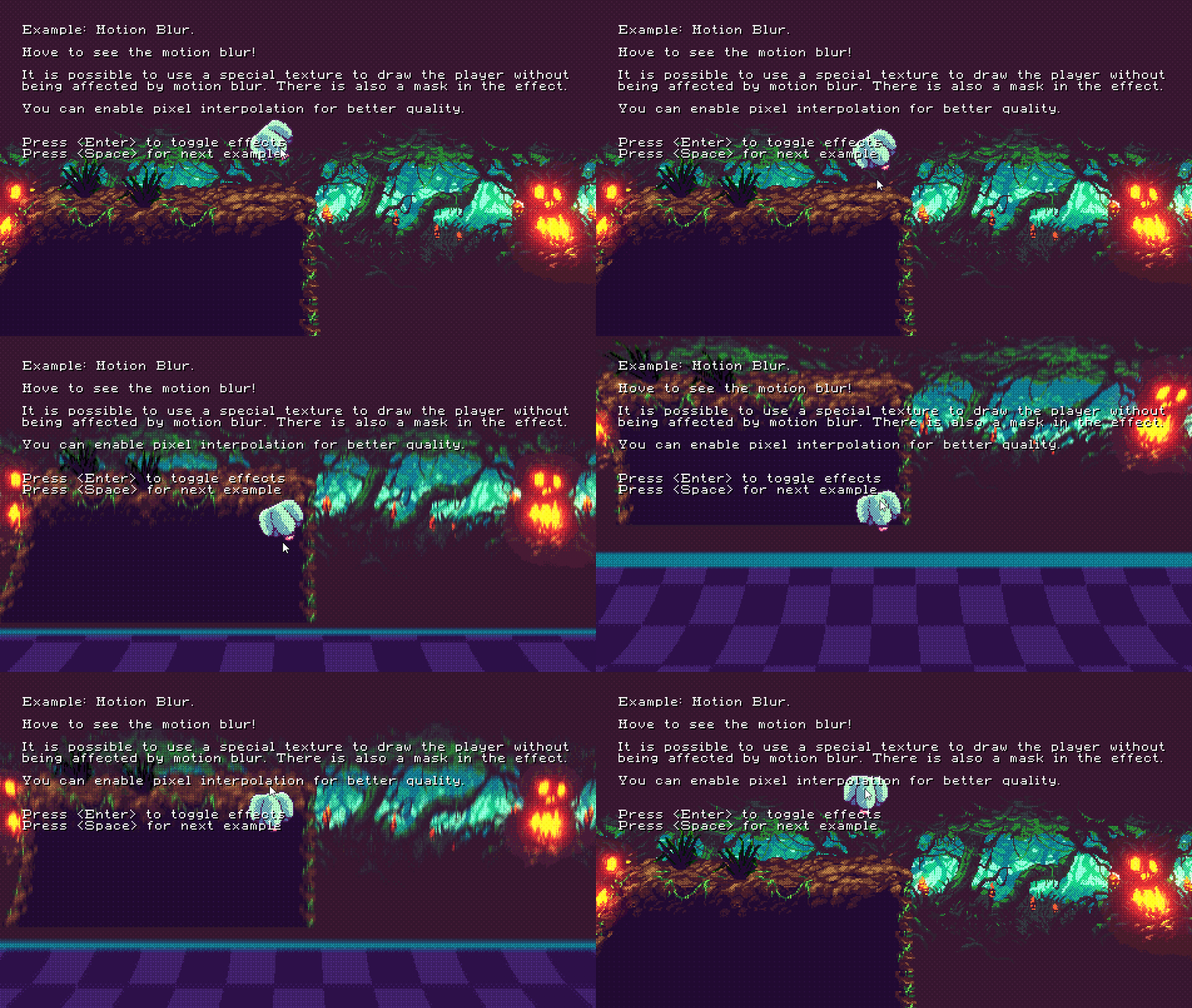
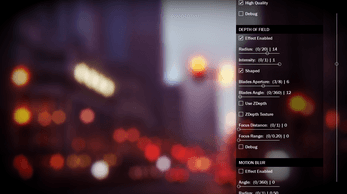
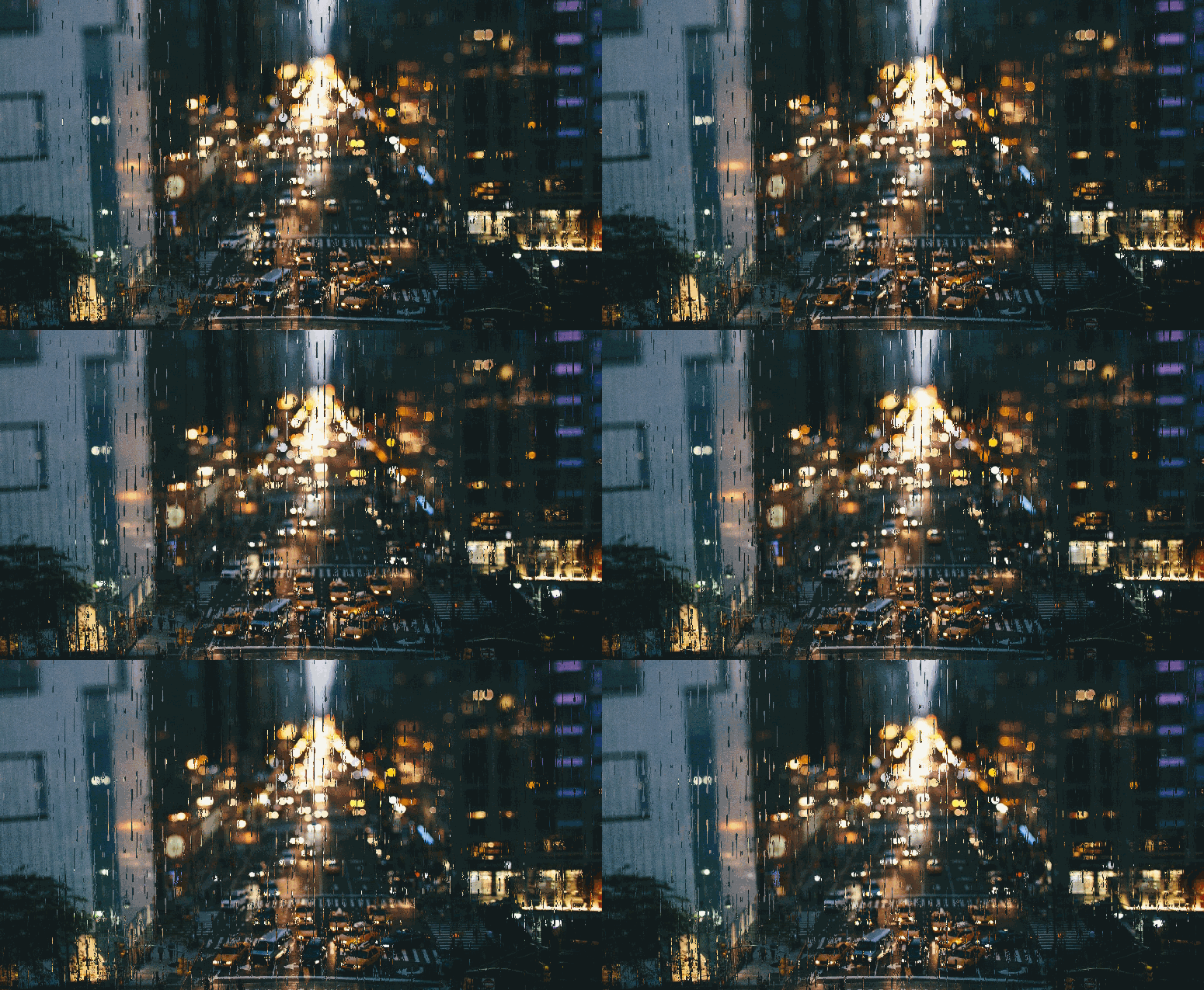
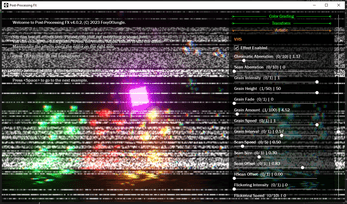
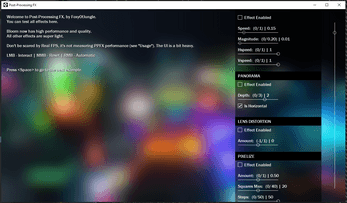
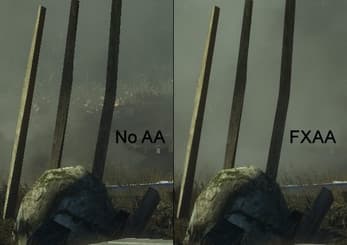
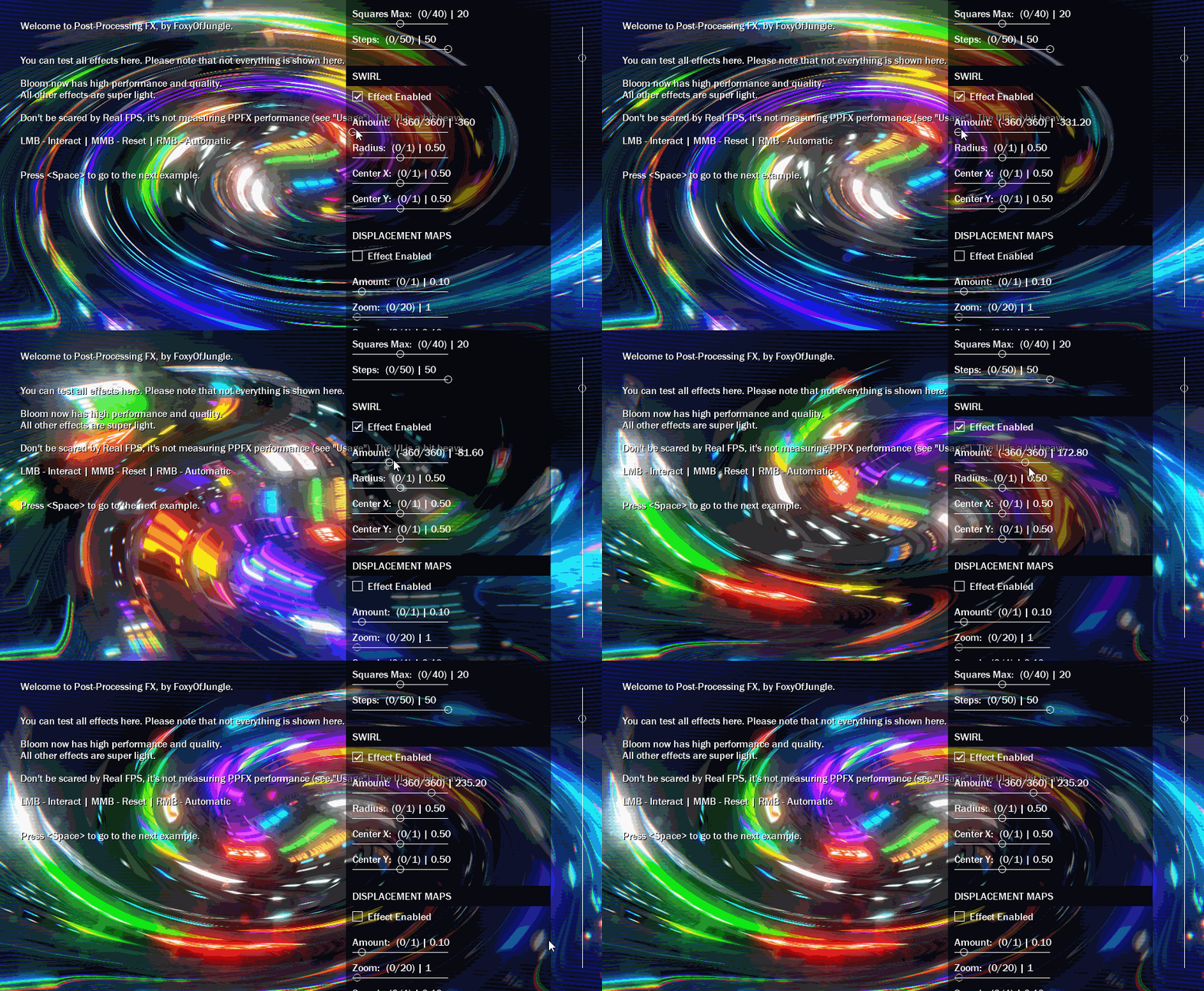
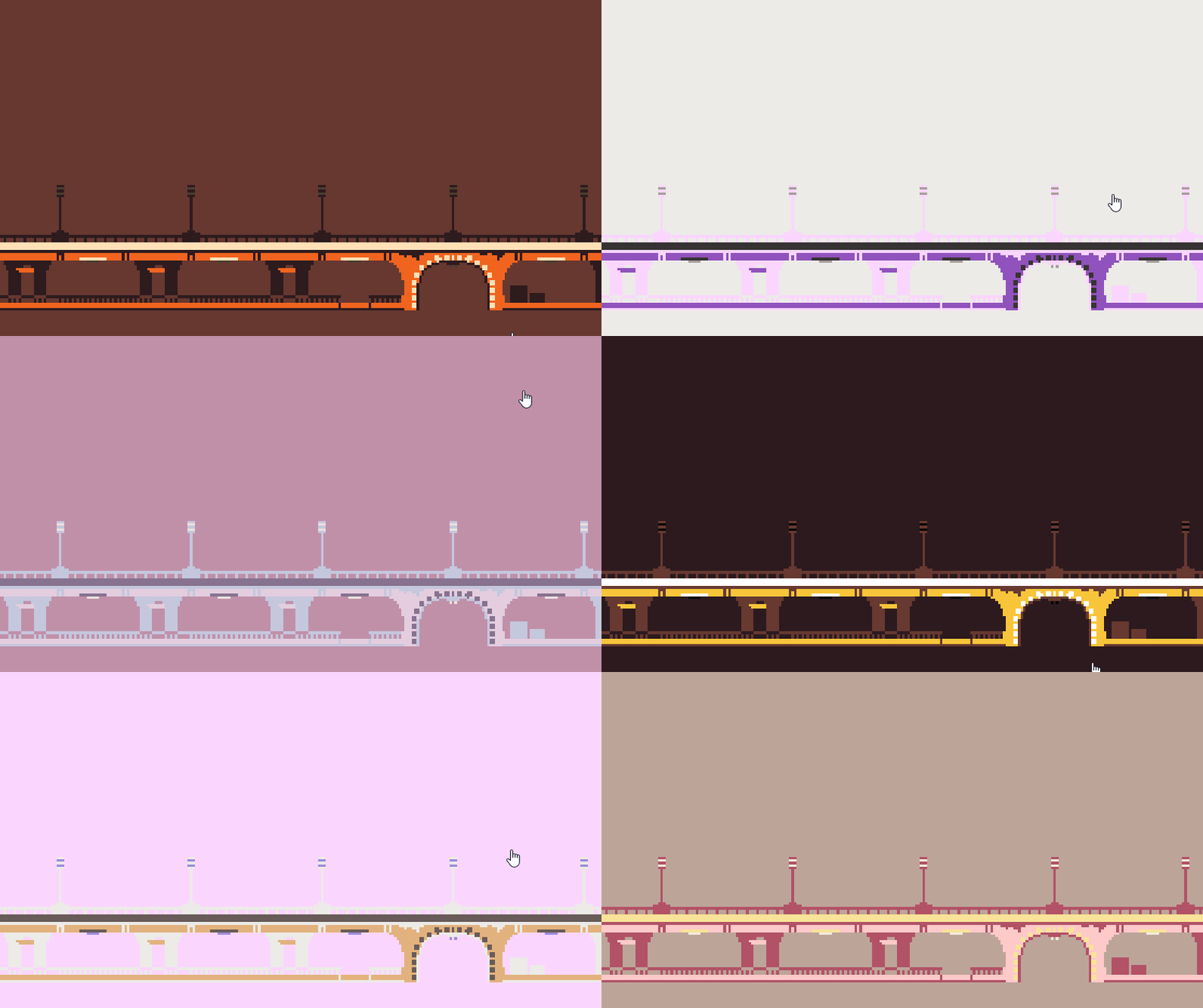
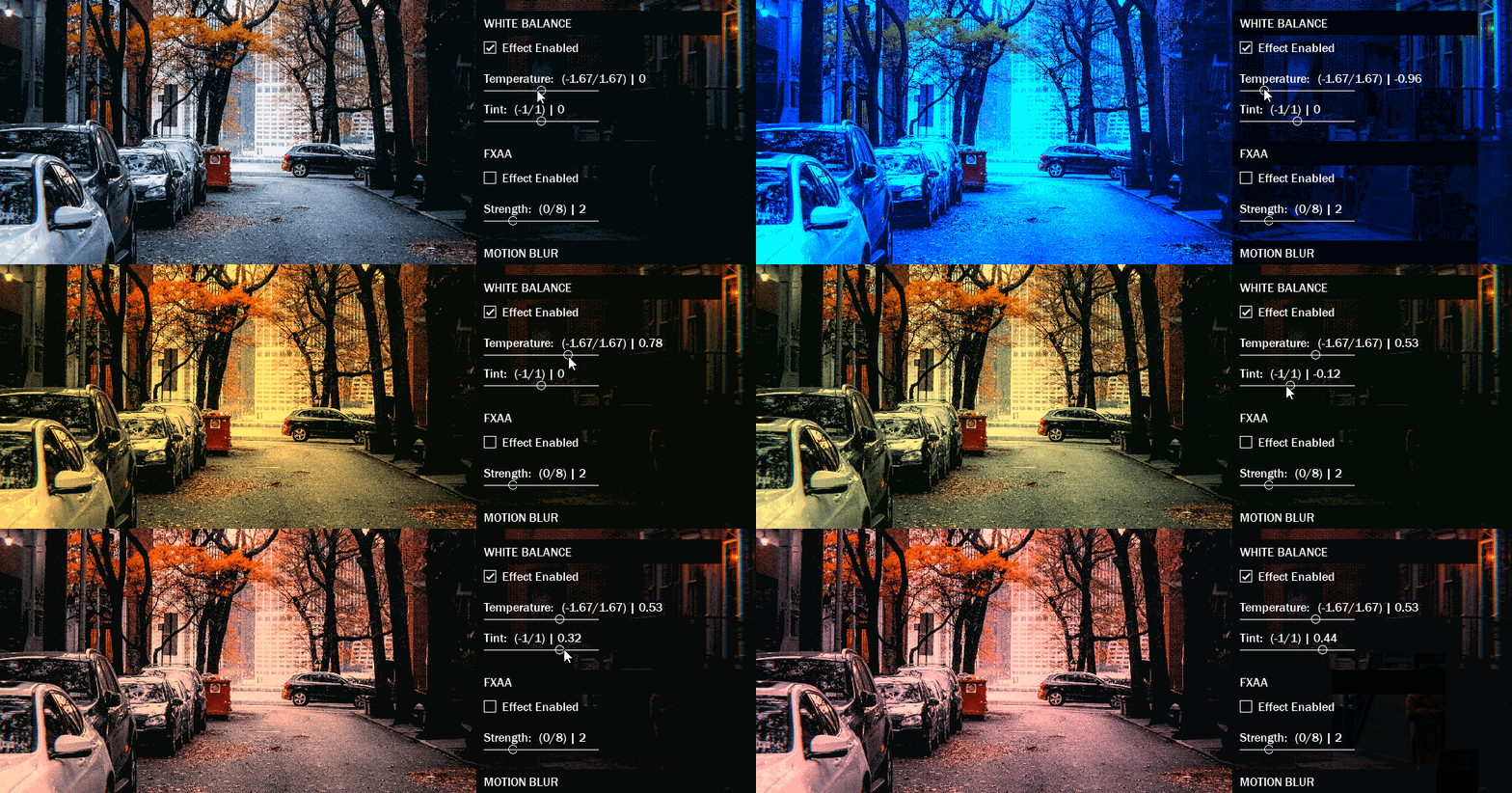
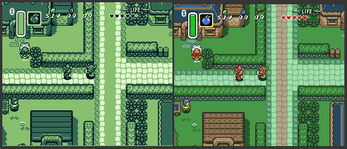
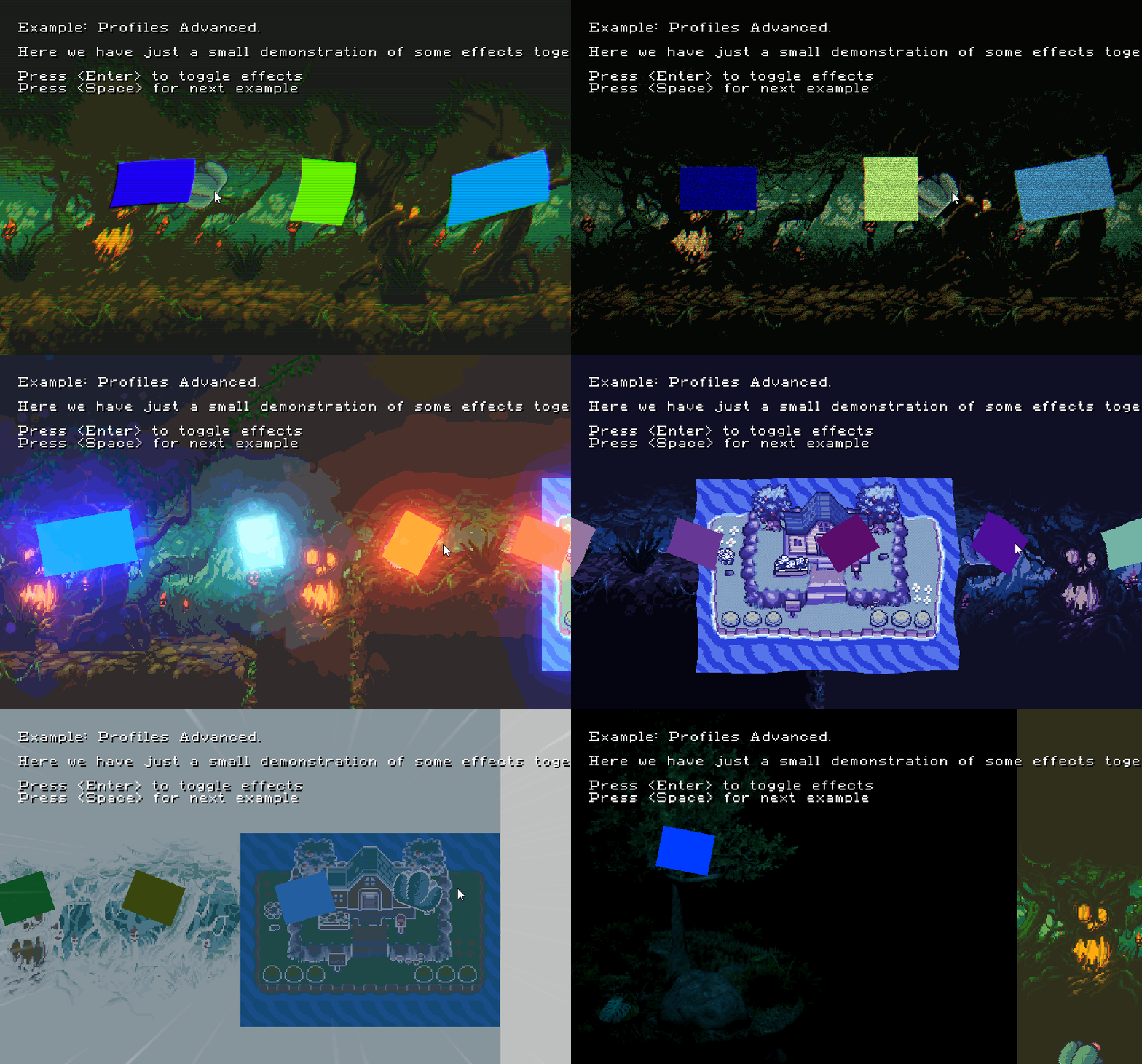
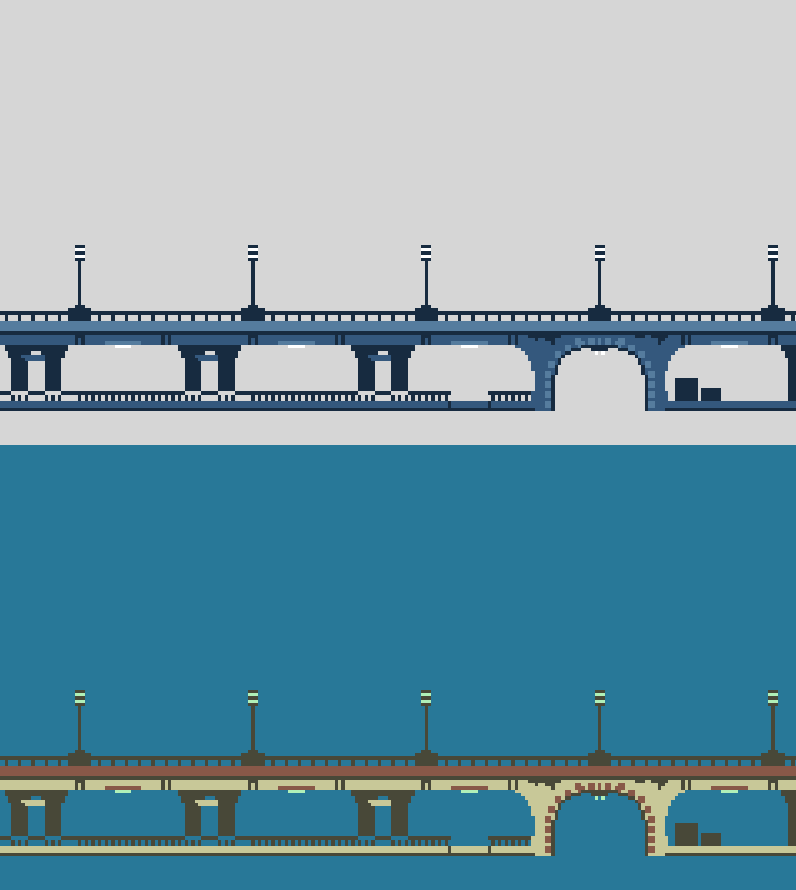
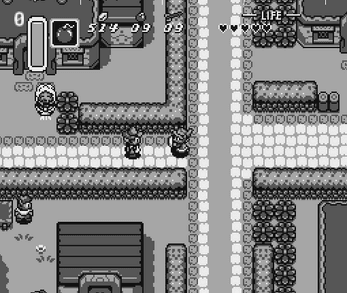
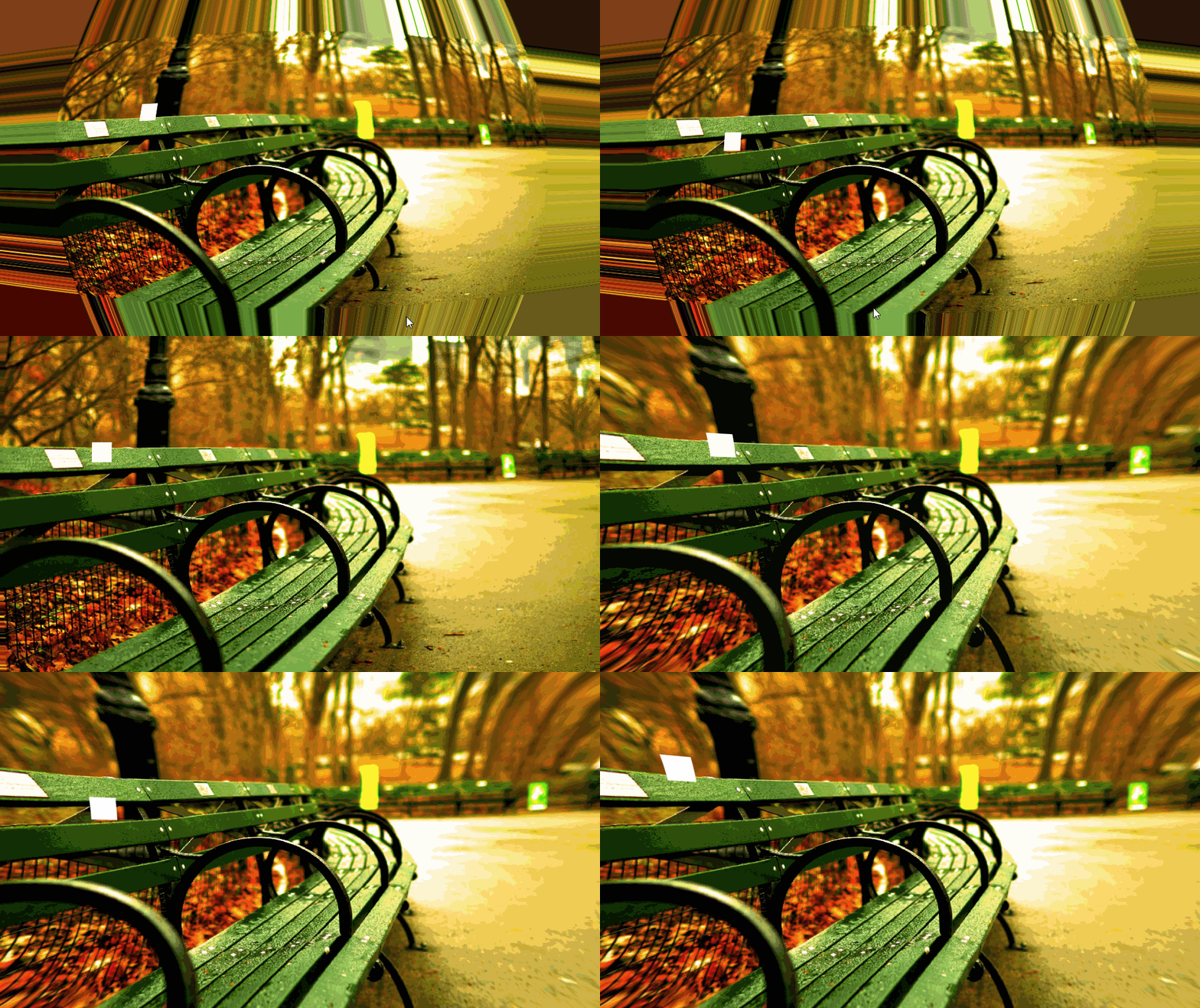
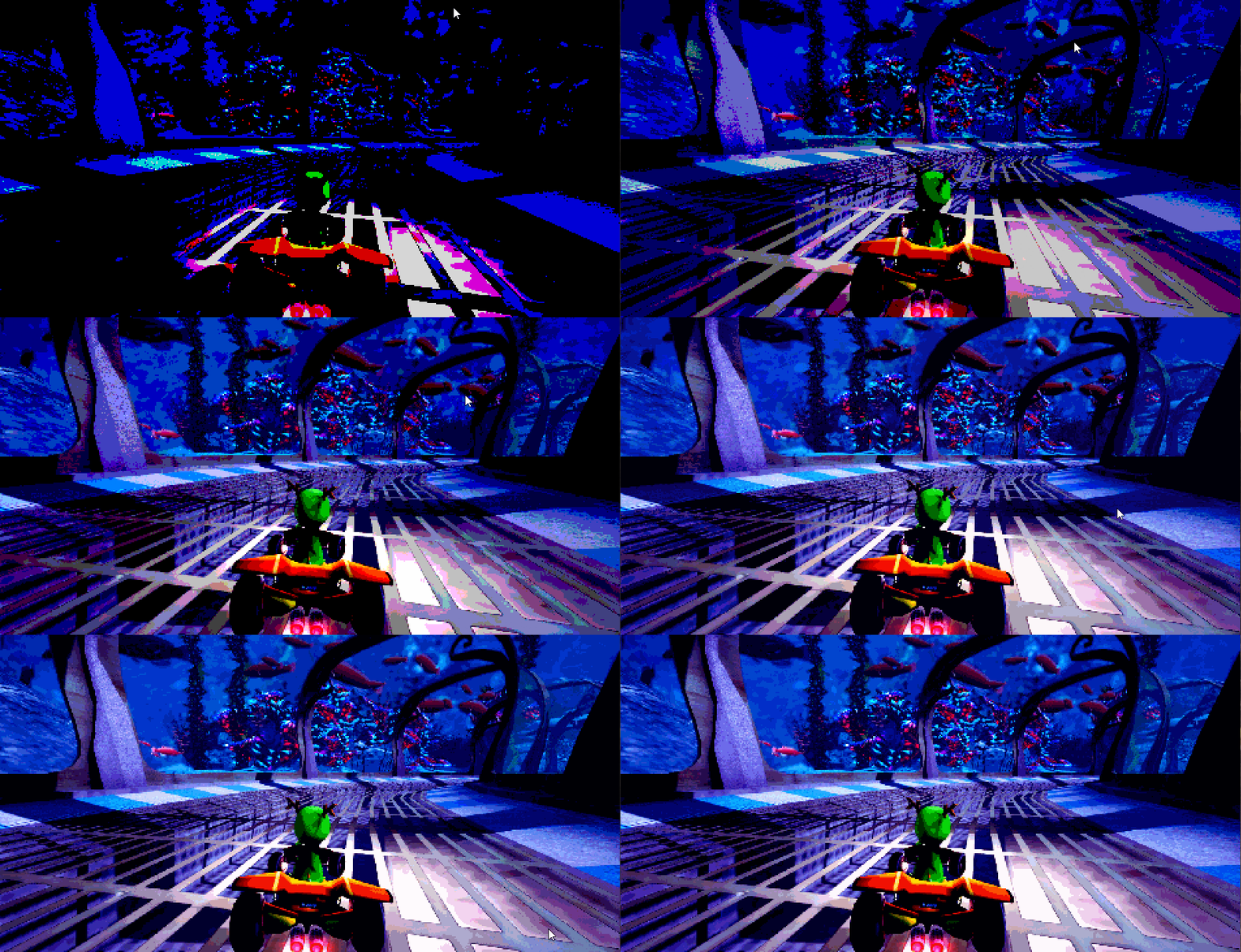
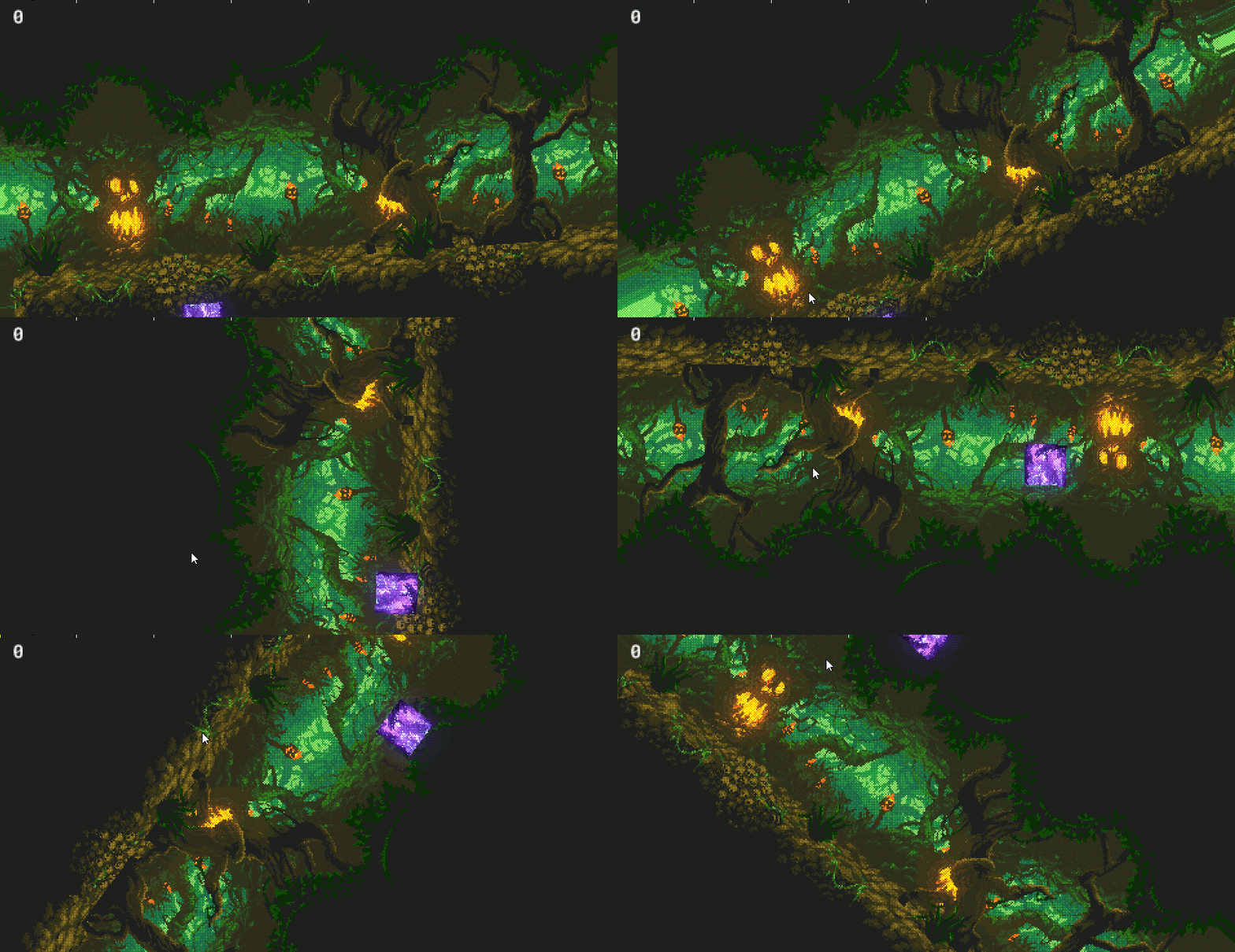
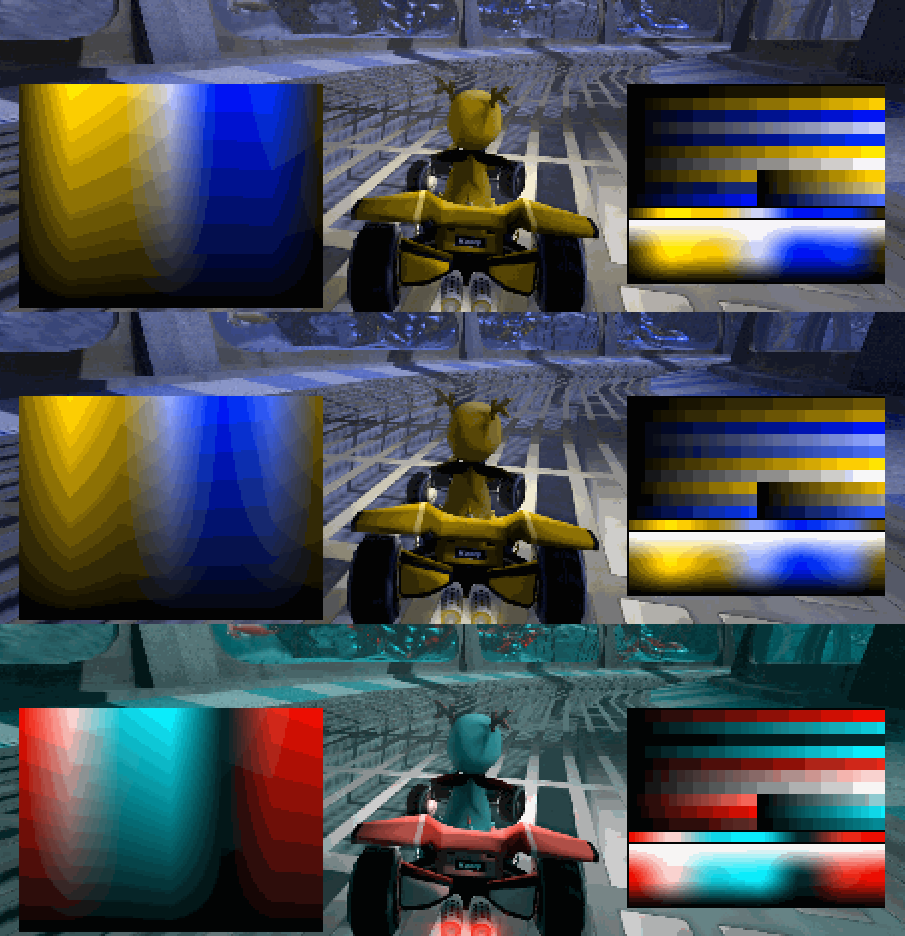
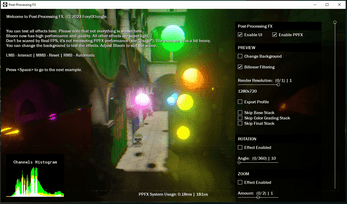
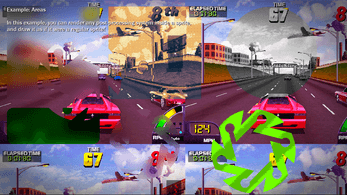
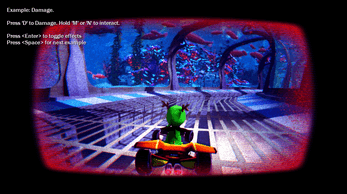
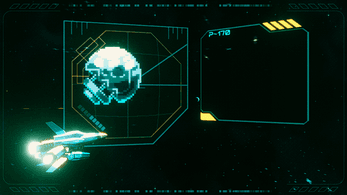
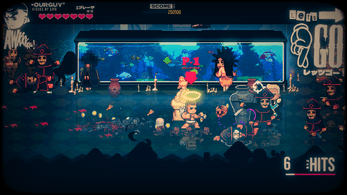
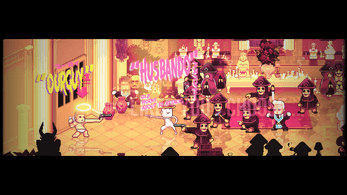
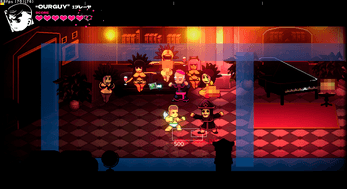
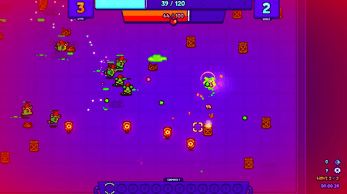
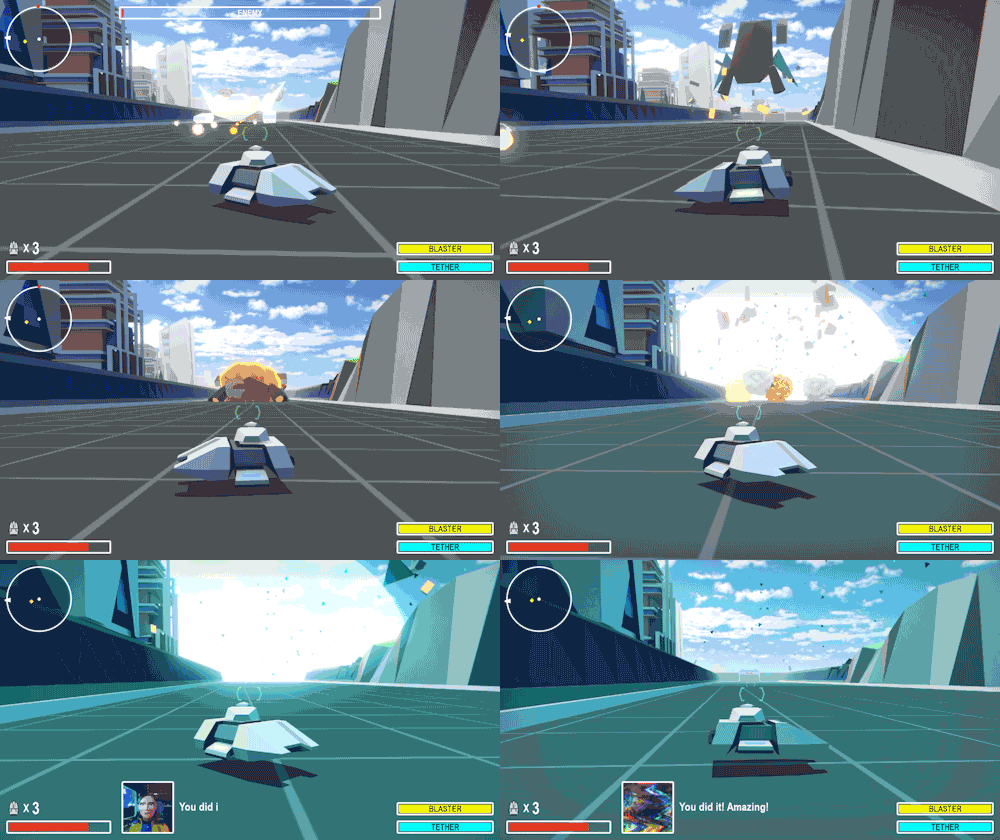
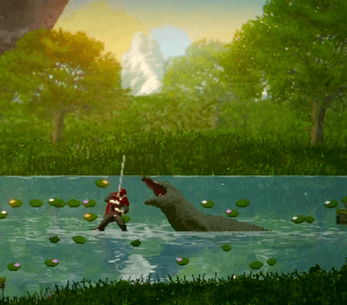
Documentation | DEMO: Click here to open. ð¥ The most efficient, easiest and robust post-processing library available for GameMaker. All in a 2 MB package! ð Post-Processing FX is a project that aims to make your game look beautiful, with 50+ ready-made customizable effects. â Much more efficient than built-in filter effects; Unlike all other similar ones, with PPFX, you have HDR mode and you can use all effects at the same time! (Saves GPU/CPU usage if the effect is not in use!). FEATURES Works great with 2D Pixel-Art and HD games. 3D is also supported, without extra overhead; It's not bloated: it only includes what's necessary;You can even remove things you don't need easily.Extreme easy to use and highly customizable, whether you're new to GML, or an experienced developer. You can start just creating the system with a function, create a profile with the effects and then use the drawing function ð;50+ professional effects (If this seems like a lot to you, don't worry, they are optimized to work together, and you will eventually use them - you can remove the effects you want!);Lighting & LensBloom/Glow light (Blender-based) >> HDR support + Dirt Lens + Anti Flicker + High performance;Long Exposure (Slow Motion / Drunk); Godrays / Sunshafts >> Rays animation support;Chromatic Aberration >> Spectral/Prism LUT + Blur support;Depth of Field >> Bokeh shape (customizable), near+far, supports 2D and 3D;Gaussian Blur >> Downscale + Mask support;Kawase Blur >> Mobile blur [high performance];Motion Blur >> Mask + focus support;Radial Blur >> Position support;Mist/Fog;Color Grading:Color Curves >> YRGB + HHSL for precise color grading;LUT >> 2D strips, 3D grid, 3D hald + .cube support + no color banding! (smooth);Palette Swap >> Luma-based + cool stuff;White Balance >> Color temperature; Shadows, Midtones, Highlights;Lift, Gamma, Gain;Exposure;Brightness;Saturation/Grayscale;Contrast;Hue Shift >> Preserve luminance support;Colorize >> Preserve white support;Color Tint;Channel Mixer;Invert Colors;Channels >> Controls RGB output;Posterization >> Colors reduction;Transform:Screen Distortion >> Texture support;Shockwaves Distortion >> Spectral/Prisma LUT support;Lens Distortion;Panorama >> (FNAF-like);Pixelize >> Steps support;Rotation;Zoom;Sine Wave;Shake >> Individually controlled speeds allow the shake to be just horizontal, vertical or both! + Perfect randomization;Swirl;Artistic:ASCII: image to characters (use your own texture);VHS >> Old TV filter;Scanlines;Dithering >> 4 modes + four bayer matrix textures;Film/Noise Grain >> Texture + Movement support + more;Glitch;Interference;Cinema Bars;Fade;NES Fade >> 8-bit Console transition;Border;Tone Mapping (ACES, Uncharted 2, Lottes and Unreal);Enhancement & Others:Sharpen;FXAA (v3);HQ4x;Color Blindness Correction >> Protanopia, Deutanopia and Tritanopia;Texture Overlay >> Blend modes support;Compare (Debug) >> very useful for comparing composition!Profiles;A collection of effects to use;Change the mood of your game globally in real time! Useful for games where there are several different environments/rooms;Create and load as many as you like;Layers;Easily apply the effects in multiple room layers, it can be individual or in a range too! You just call .LayerApply()!There is an example showing this;Areas;Draw a normal sprite, with the effects inside it! Use the sprite as a mask. Useful for glass UI, game logo, and many others!Post-Processing FX can also be applied to the UI; There is an example showing this; The PPFX is modular. Everything works individually and at the same time together!All effects can work together or individually! Fast shader compilation;Apply the effects in your game in less than 10 minutes! (for real);Cross-Platform; Desktop, Mobile, Consoles and Web*;*HTML5 is not supported, use WASM instead.Uses GLSL ES;Works on: x64 and x86 runner. With YYC and VM;Split-screen compatible;Compatible with Crystal, Bulb, Scribble, BBMOD;It should work with other libraries;Compatible with other external effects;Feather documentation.Includes 12 usage examples (.yyz project only);All example codes are commented to understand how each part works. All the code is super organized and well written; No name conflicts;Genuine and compassionate support, without judgment, and there is a commitment to maintaining it through free updates;Discord server;Bonus: .zip LUT Pack (18 images);Source .yymps ready to import into your game;Super lightweight package! Only 2MB (.yymps) - even less, if you remove things you don't need from the package! FAQ: Q: Is it difficult to import into an existing project?A: No, there are several examples in the project showing how simple this is to do. All you need to do is import the .yymps file into your game and use the appropriate functions to apply the effect to the screen.----------------------------------------Q: What is the shader performance?A: All effects are super lightweight (includes Bloom), run smoothly on Android and on weak computers. Although some effects like DOF may need more GPU, but you can configure.----------------------------------------Q: How I learn to implement in my game?A: There is a manual with detailed information that will help you to implement it quickly. If you have questions, send a message on Discord. Support my work on Ko-fi Post-Processing FX forum devlog By purchasing, you agree that you may not resell or redistribute the source code in any way (ex: GitHub and Marketplace). The compiled product can be used commercially in any game or software. Use for any A.I. training is NOT allowed. This project was made entirely by a human. Post-Processing FX was nominated in the shortlist as the best GameMaker tool of 2025 and 2024! Do you think your time is valuable? So don't waste your time doing something that has already been created, get PPFX kindly now :)
View original on itch.ioGallery




Contact
Terms of Service
Privacy Policy